Find it before the guest does.
Hang a QR poster in each public area. Team members scan it with their phone, and every clean lands in one log: timestamped, named and, on paid plans, backed by a photo. Free for one site.
No app or passwords for cleaners · No card needed · Runs alongside your PMS



Where missed cleans come from
The complaint photo is online first
A guest posts a picture of a wet, littered changing room. Your team finds out from a review, hours after the turnover that got missed.
Supervisors walk the building to check
The only way to know what was cleaned is to go and look. Every lap is time a supervisor is not spending with the team.
Binders at inspection time
When an inspector, an owner or a guest asks when a room was last cleaned, someone digs through clipboards and hopes the page is filled in.
Poster, scan, overdue alert
-
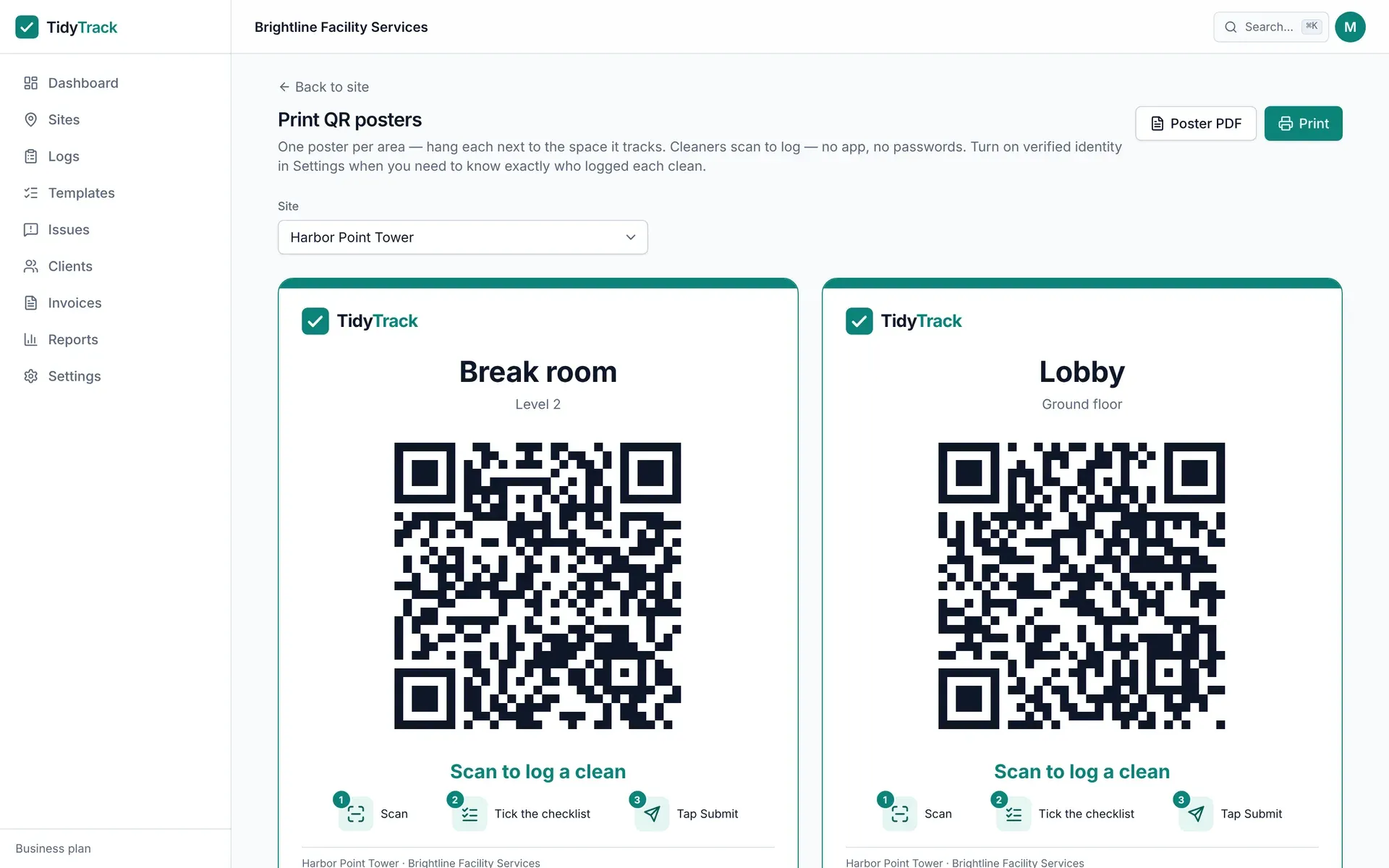
Hang a poster in each area
Add the area, set how often it needs cleaning and attach a checklist. Print the QR poster and put it by the door.
-
Team members scan and log
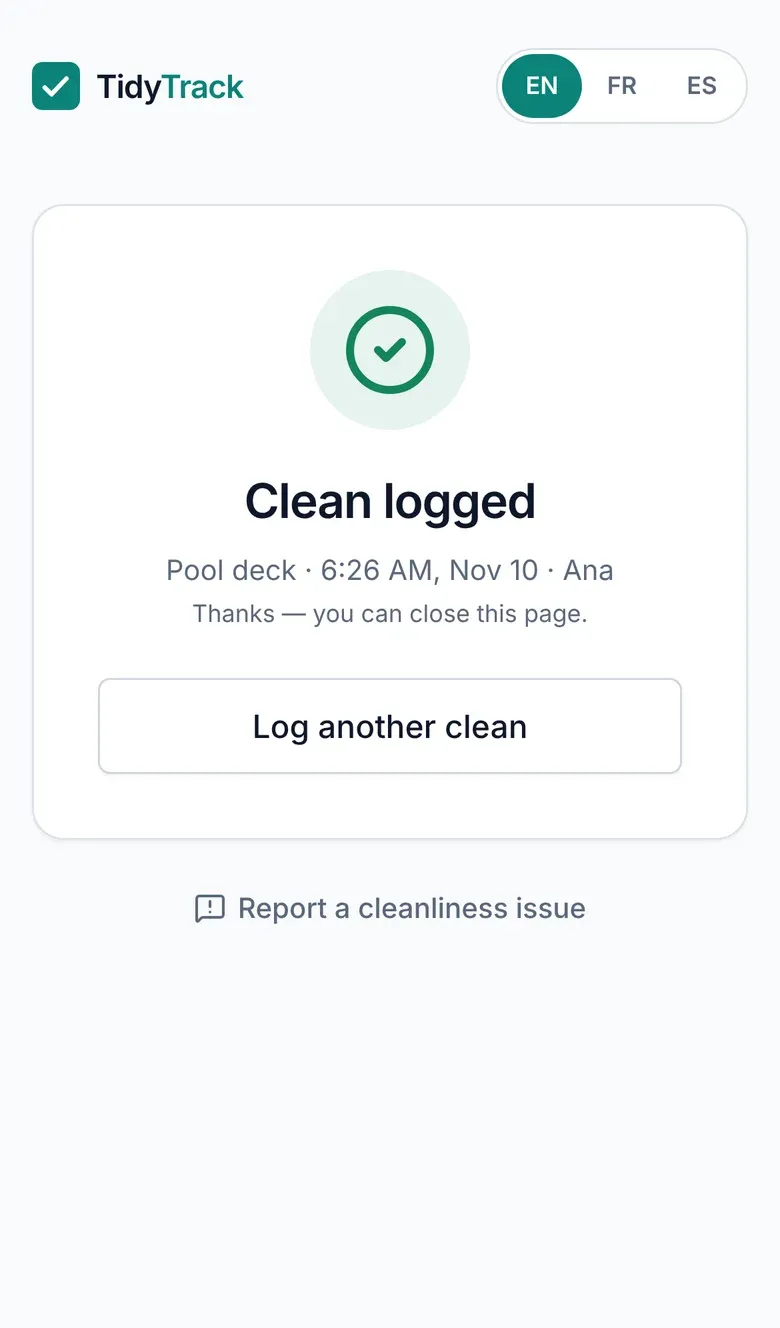
They scan with the phone camera, pick their name, tick the checklist and tap submit. The clean is saved with the time and their name, plus a photo on paid plans.
-
Overdue areas come to you
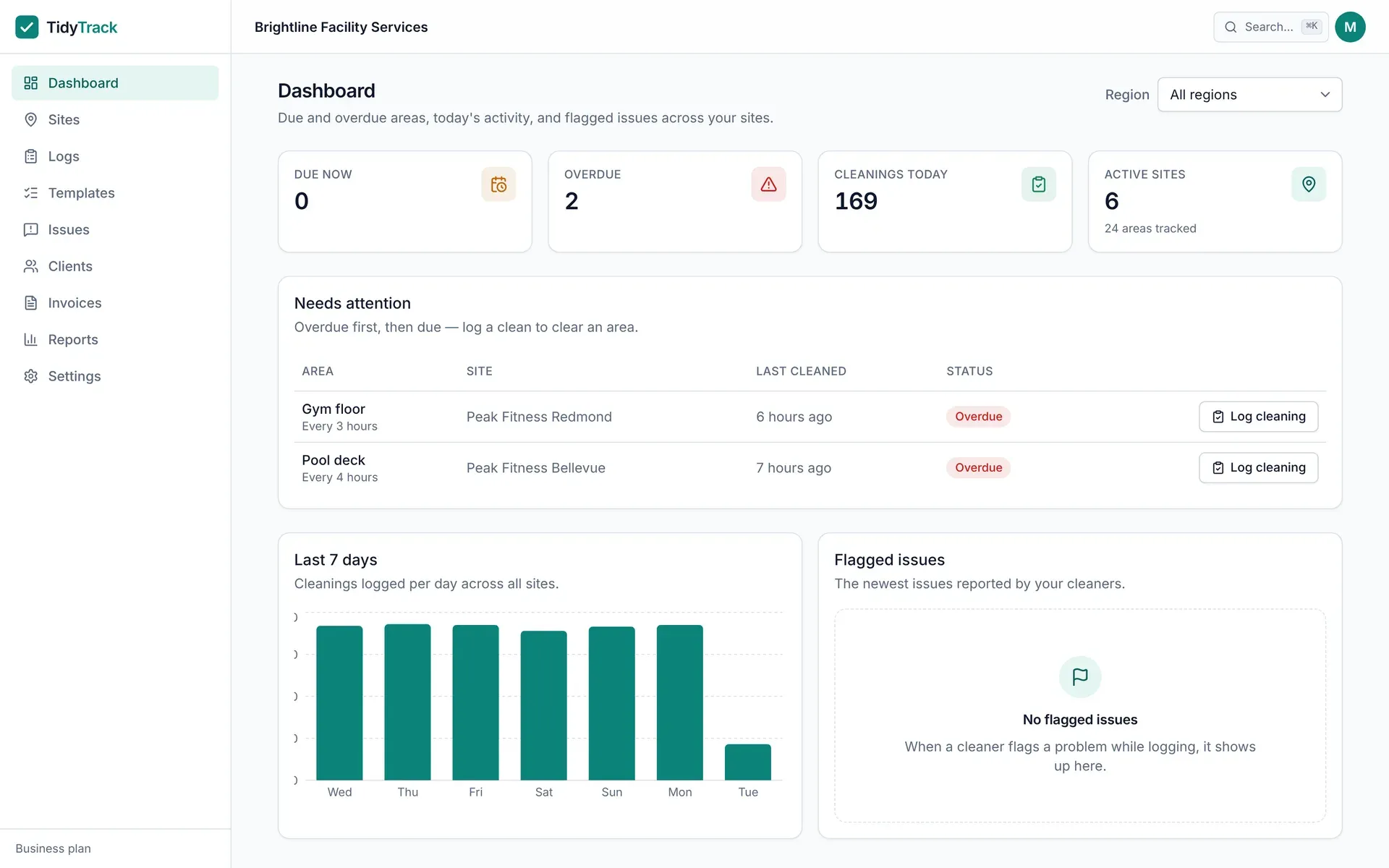
When an area passes its schedule with no logged clean, it turns overdue on the dashboard and the supervisor gets an email. Nobody has to walk the building to find it.
The public areas guests judge you on
Each area gets its own poster, checklist and schedule, so you can see when it was last cleaned.
-
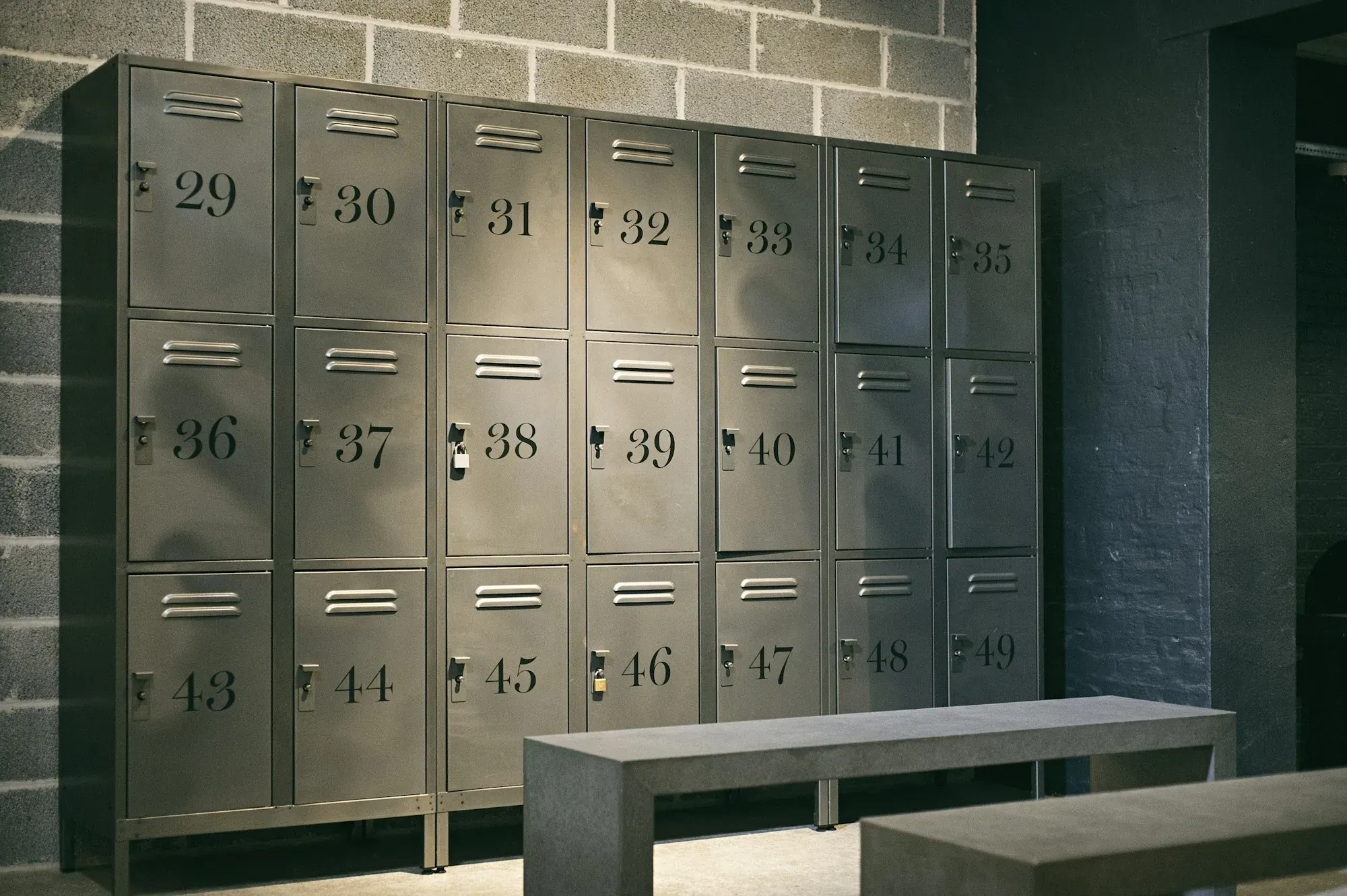
Locker rooms and changing rooms
Turnover between sessions: floors squeegeed, benches wiped, lost property cleared, bins emptied.
-
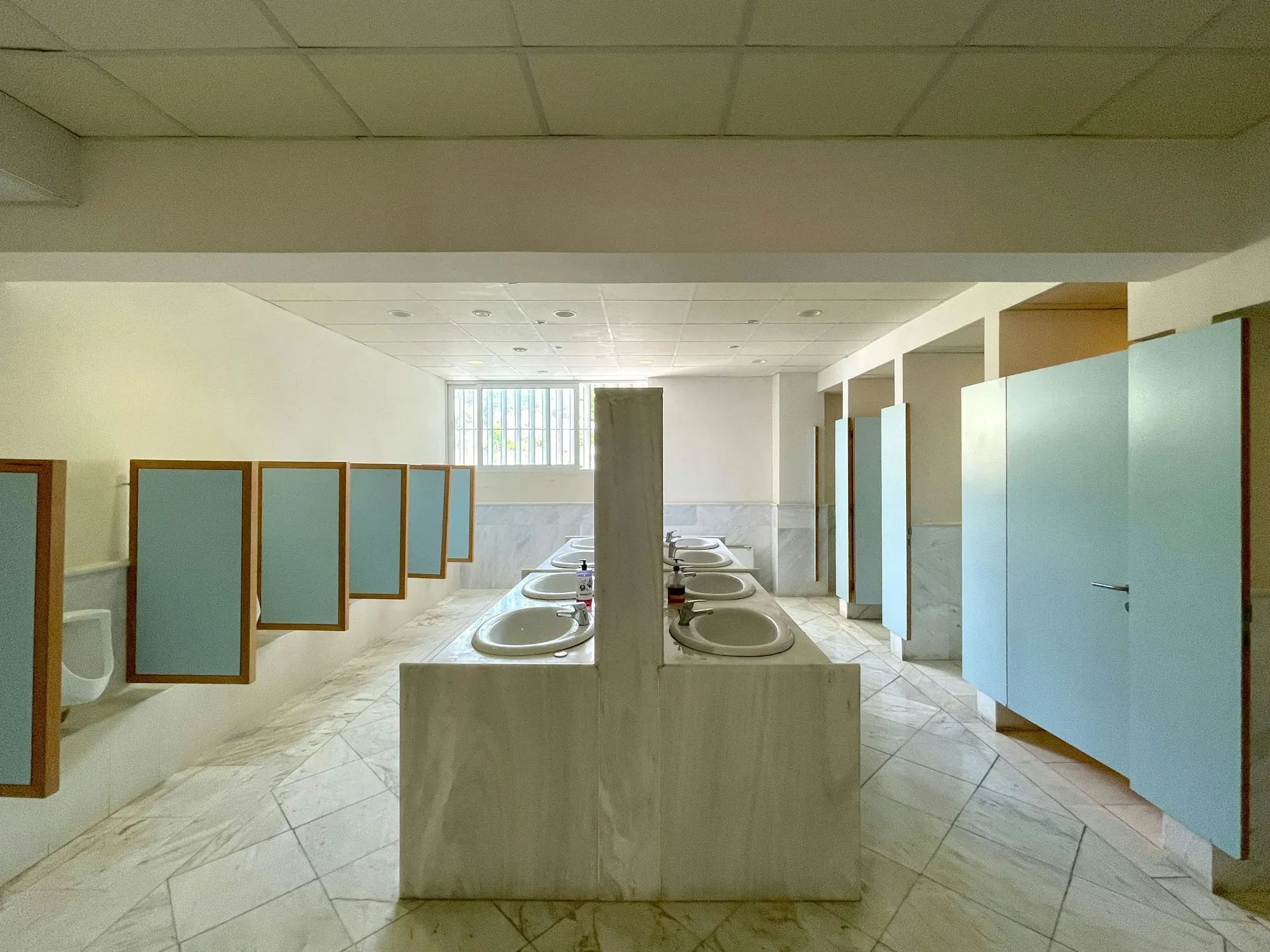
Restrooms
Checked on a short cycle through the day: stalls, sinks, mirrors, floors and paper stock.
-
Pool deck
Squeegee standing water, clear debris, wipe loungers and empty bins on a set rhythm.
-
Arcade
Wipe screens, controls and touch points, clear food waste, spot-clean floors.
-
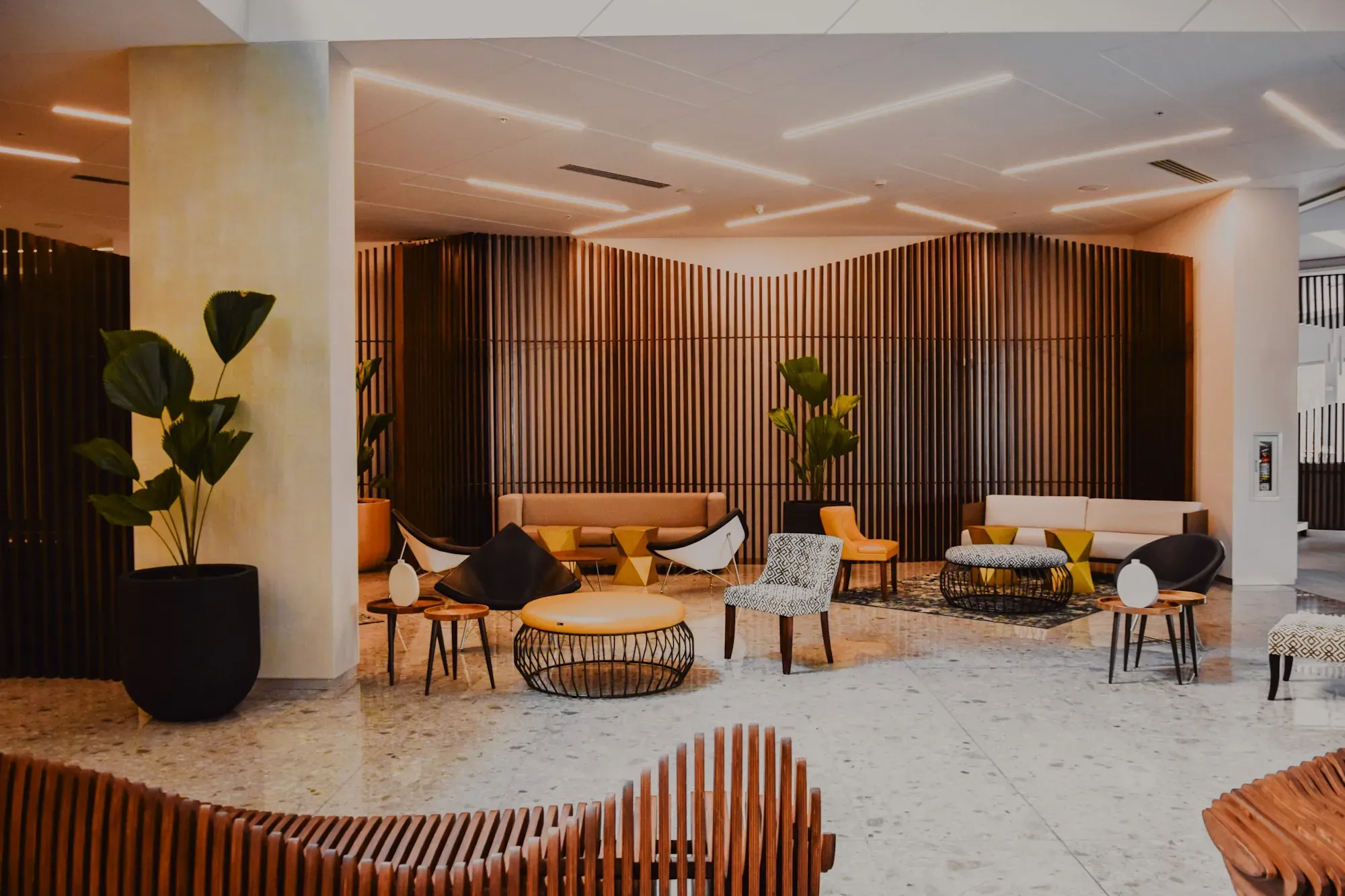
Lobby
Glass, seating, front desk counter and entry mats, kept ready for the next check-in wave.
Public areas only. TidyTrack does not run guest-room turnover.
Ask outside cleaners to prove their visits
If an outside company cleans the arcade overnight or details the lobby each week, add their crew to your workspace and have them scan the same posters. Every visit lands in your log with a time and a name, so you approve invoices against visits you can see.
Contractors who run TidyTrack in their own workspace can email you invoices built from their logged cleans and share a client report by link, with the log behind every line.
Clipboards, enterprise software or TidyTrack
By enterprise software we mean the large all-in-one platforms you can only buy through a sales team: book a demo, wait for a custom quote, sign a contract.
| What you need | Clipboards | Enterprise software | TidyTrack |
|---|---|---|---|
| Who cleaned and when | Initials on a sheet, often filled in later | Usually yes | Named and timestamped at the poster |
| Finding a missed clean | On the next walk, or from a guest | Depends on setup | Email alert when an area goes overdue |
| Photo proof | No | Often | Yes, on paid plans |
| Getting started | Print a sheet | Sales demo, custom quote, contract, then an onboarding project | Print a poster, first logged clean in under an hour |
| Price | Paper and binders | Custom quote from a sales rep | Published, and free for one site |
Clipboards cost nothing up front, and enterprise platforms bundle far more than clean logs. If you only need to prove public areas are cleaned on time, see what each plan includes. Side-by-side reviews: OrangeQC, Swept and OpenWrench.
Run your pilot in one day
The free plan covers one site and three areas. Start with your busiest changing room: print its poster in the morning and your team logs the first clean the same day. Run it for a week of turnovers, then decide.
Start scanning todayFree for one site · No card needed to start
Need a hand getting set up? Contact us and our team will walk you through it.
Questions
Do cleaners need a login or an account?
No. Team members scan the poster and pick their name. If you want stronger proof of who logged a clean, turn on verified mode: they confirm a one-time code sent by email, and the phone is remembered for 30 days.
Do they need to install an app?
No. The log page opens in the phone browser from the camera. It works in English, French and Spanish.
Does it work with our PMS?
It runs alongside your PMS. TidyTrack does not read from or write to it, so there is nothing for IT to connect.
What can guests see?
Nothing, unless you choose to. You can turn on a public "last cleaned" page per area, with cleaner names shortened to a first name or initials. Guests can also report a problem from the poster, and the report comes to you instead of a review site.
What does the free plan include?
One site, three areas and three team members, with QR logging, checklists, schedules, overdue alerts and status pages. Photos on cleans, more areas and longer report history are on paid plans.
What does TidyTrack not do?
It does not assign guest rooms, run room turnover or track guest requests, and it does not replace your PMS. It covers public areas: proving each clean happened and catching the ones that did not.