Prove every clean. Run every site.
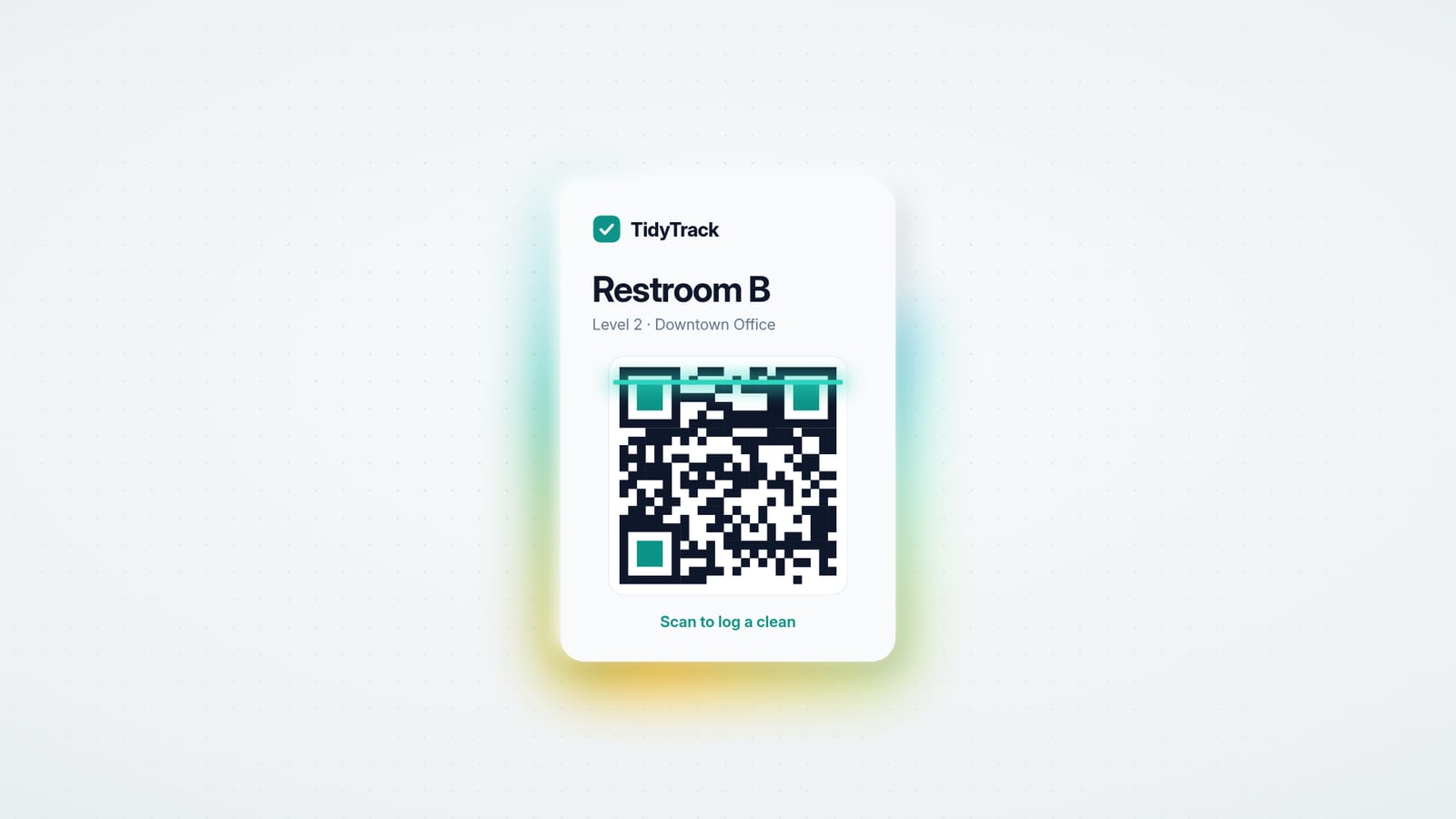
Print a QR poster for every area. Cleaners scan, tap their name and tick the checklist. No app, no passwords. You see what's due, what's overdue and what's done across every site, and cleaning businesses turn the logs into invoices.
Free plan included · QR logging free on every tier
Checklists tuned for
- Hotels
- Offices
- Retail
- Healthcare
- Gyms & fitness
- Restaurants
- Education
- Cleaning services
- Property managers
- Co-working
Scan.Tap.Tick.
- 1
Any phone camera
The QR poster opens a mobile log page in the browser. No app to install, no passwords to forget.
- 2
Your name from the team
Cleaners tap who they are. Switch on one-time codes when you need proof of exactly who logged it.
- 3
The checklist, then log
Tick each item and submit. Time, cleaner and every ticked line land in your dashboard instantly.
Know the moment it slips.
Every area sits on a schedule. The dashboard shows what's due, what's done and what's overdue across every site, and tells you before a guest does.
Proof on every report.
Compliance rates by site, area and cleaner. Filter, drill in and export to CSV for audits, head office and payroll.
Logs become invoices.
Paid by card.
Turn logged visits into itemised invoices per client in a couple of clicks. Send them, take card payment, and give clients proof of service instead of promises.
- Every line traces back to a real log
- Card payments through Stripe, straight to your account
- Print, export or send in one click
Built for cleaning operations. Nothing else.
The tools that get areas cleaned on time and prove it happened.
QR scan-to-log
Print a poster per area. Cleaners scan, tap their name, tick the checklist and submit. No app, no passwords, done in seconds.
Schedules & overdue alerts
Set how often each area needs cleaning: every 2 hours, daily, weekly. The dashboard shows what is due and flags anything overdue.
Sector checklists
Start from templates tuned to your sector, from washrooms and guest rooms to kitchens and treatment rooms, then edit them to your standards.
Public status pages
Share a public “last cleaned” page per area, so guests, tenants and inspectors can see the log without asking you.
Client invoicing
Turn logged work into itemised invoices per client. Draft, send, get paid by card, print or export. Every line traces back to a real log.
Reports & CSV export
Compliance rates by site, area and cleaner. Filter, drill in, and export logs and invoices to CSV for audits and payroll.
Built for both sides of the mop
Whether you manage your own building or clean everyone else's, the loop is the same: log the work, see the gaps, prove the clean.
Facilities teams
Hotels · offices · retail · healthcare · gyms · restaurants · schools
- Every washroom, lobby and kitchen on a schedule, with overdue areas surfaced automatically
- Compliance reports for audits, health inspections and head office
- Public “last cleaned” pages that answer guest complaints before they happen
Cleaning businesses
Commercial cleaners · janitorial services · contract teams
- Track work per client site: every visit logged with time, cleaner and checklist
- Turn logged work into itemised invoices in a couple of clicks
- Give clients proof of service instead of promises
Simple pricing, honest free tier
QR scan-to-log is free on every plan. Pay when your operation grows.
Frequently asked questions
Do cleaners need to install an app or create an account?
No. Cleaners scan the QR poster with their phone camera, which opens a mobile log page in the browser. They tap their name from your team, tick the checklist and submit. No app to install, no passwords, no training beyond “scan this”. If you want proof it’s really them, switch on one-time code verification; you can also allow free-text names as a fallback for temporary help.
Is TidyTrack for in-house teams or cleaning companies?
Both. In-house facilities teams (a hotel, an office, a clinic) manage their own sites and areas. Cleaning-service businesses track work per client site and can turn logged work into invoices. You pick your workspace type during setup.
What stops someone from logging a clean without doing it?
The same thing that governs paper sign-off sheets: accountability, but with better tools. Every log records who, what, when and which checklist items were ticked; managers can flag suspicious entries, QR codes can be rotated at any time, and reports make patterns obvious. It is a big step up from a laminated sheet and a pen on a string.
How much does it cost?
The Free plan covers 1 site, 3 team members and 20 areas, with QR logging, checklists, schedules and status pages all included. Pro is $49/month and Business is $149/month. QR scan-to-log is free on every tier.
Can clients or guests see proof of cleaning?
Yes, two ways: enable the public “last cleaned” status page for any area, and, on paid plans, send clients itemised invoices where each line traces back to logged work.
What happens if a QR poster is photographed or misused?
Every poster can be rotated with one click: the old code stops working immediately and you print a fresh one. Logs also record their source, so QR-submitted entries are always distinguishable in reports.
Field notes on cleaning operations
Washroom compliance, proof of service and the paperwork nobody enjoys.
Commercial cleaning scope of work: what to include
A janitorial scope of work is the document every price, schedule and dispute comes back to. The sections a commercial cleaning scope of work needs, a sample frequency table, the vague phrases to avoid, and how to keep it in step with what is actually cleaned.
Read article →How often should commercial restrooms be cleaned?
There is no single legal number, so restroom cleaning frequency comes down to traffic and risk. Practical frequencies for offices, retail, restaurants, schools, gyms and healthcare, the difference between a check and a full clean, and the signs your schedule is wrong.
Read article →How to bid a commercial cleaning job, step by step
A practical method for bidding janitorial contracts: what to collect on the walkthrough, how to turn square footage into labour hours, how to price burden, supplies, overhead and margin, and what the proposal has to say to win.
Read article →Prove every clean. Run every site.
Set up your first site in an afternoon. Free plan included, no card required.