Available now
Know a clean was missed before anyone complains
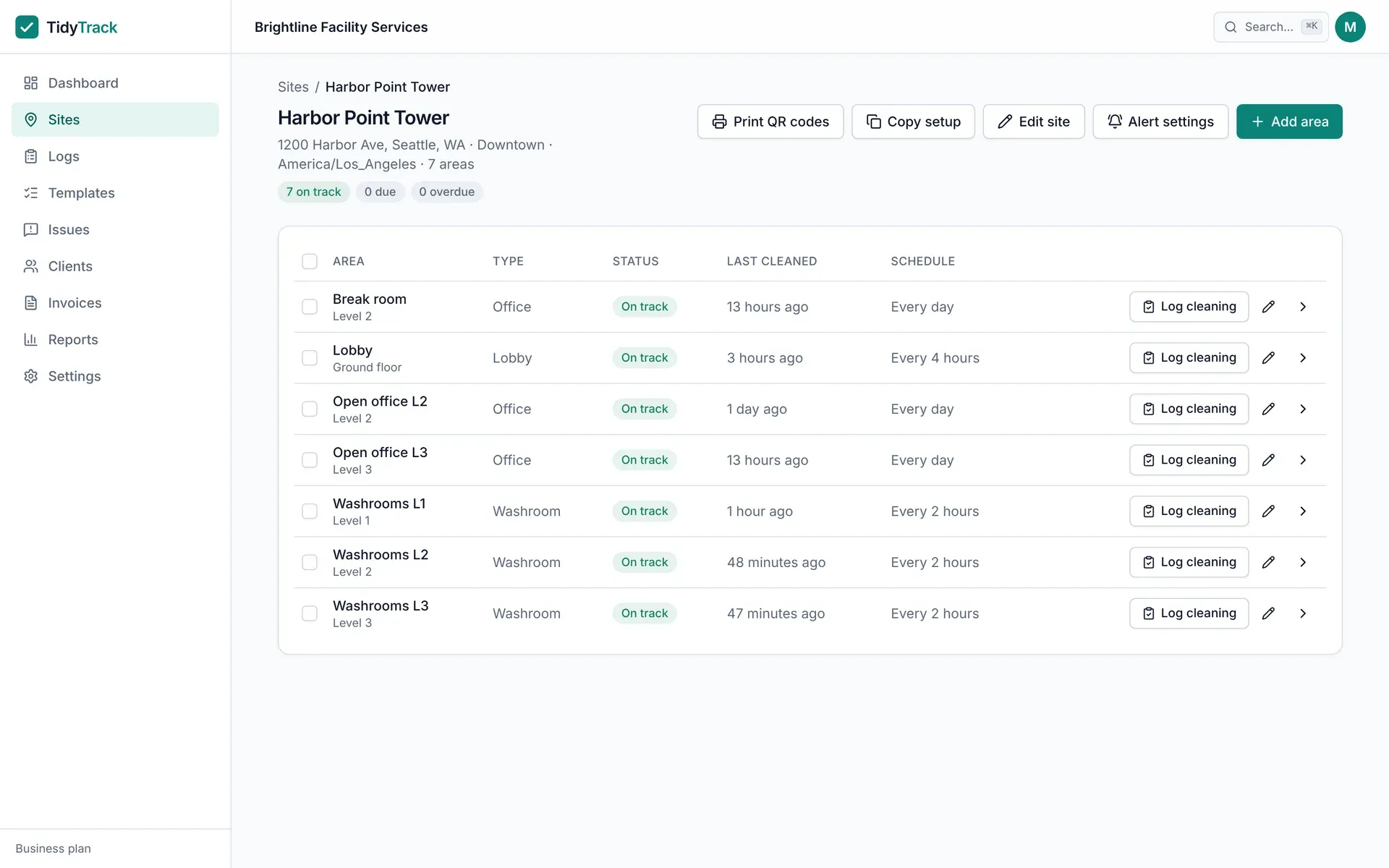
Set how often each area needs cleaning. The dashboard shows what is on track, due and overdue across every site, updated every minute, and emails your team when an area runs past its interval.
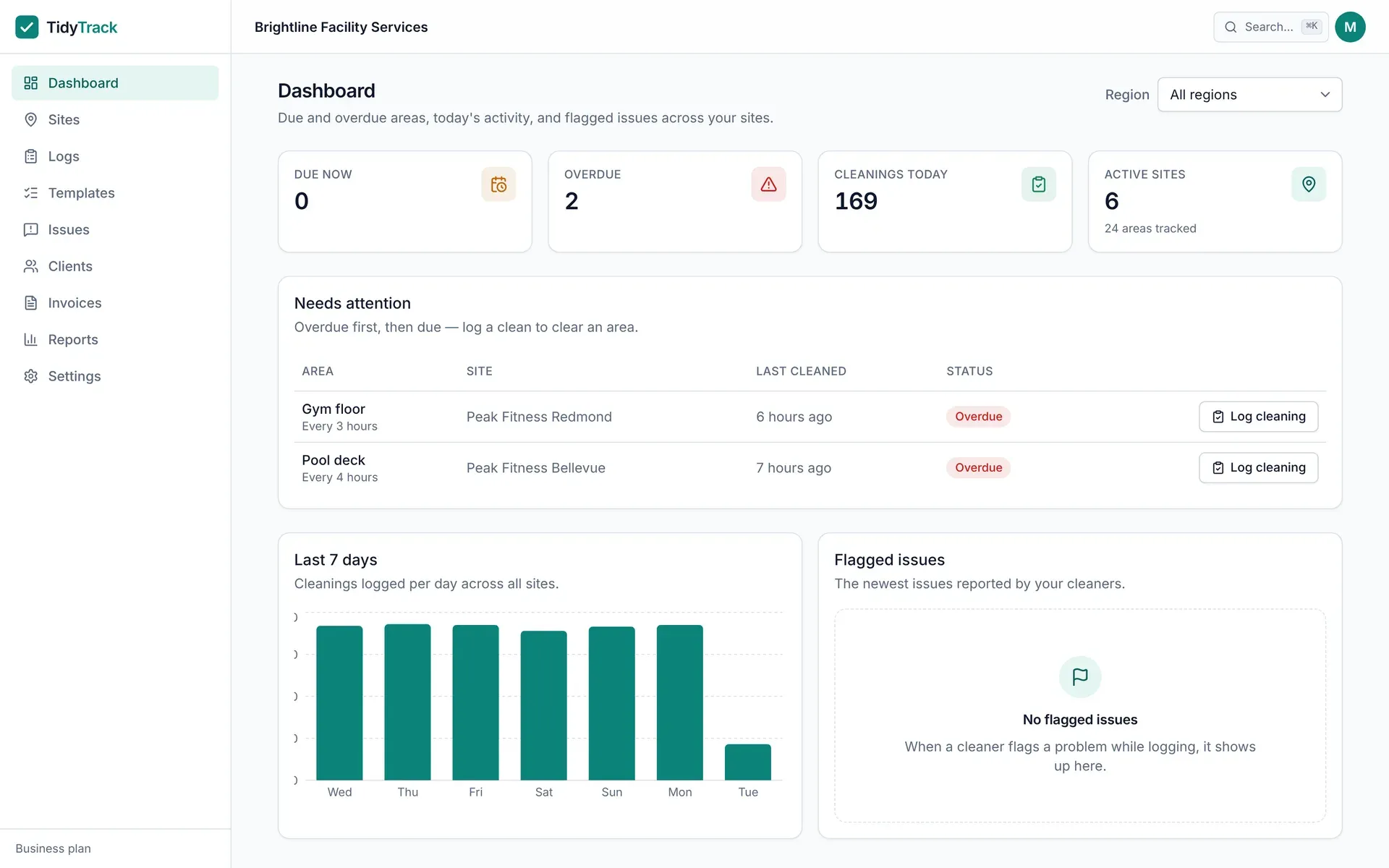
Status by area, across every site
Every area shows on track, due now or overdue against its own interval. Filter the dashboard by region to see one district at a time.
Alerts that respect the site
Overdue alerts go to the people you choose, with quiet hours in the site’s timezone and an optional escalation contact if an area stays overdue.
What’s included
Schedules and missed-clean alerts
- Intervals in hours, days or weeks
- Live status, refreshed every minute
- Email alerts as they happen or as a digest
- Quiet hours and escalation per site
- Region filter for district managers
- Log a clean from the dashboard when needed
Coming from OpenWrench?
OpenWrench schedules planned maintenance as recurring work orders. TidyTrack tracks the clean itself, many times a day, and flags the one that did not happen.
TidyTrack vs OpenWrench →Prove every clean at every location
Free for one site. Pro is $49 a month for five sites, Business is $149 a month for unlimited sites.
Get started free